
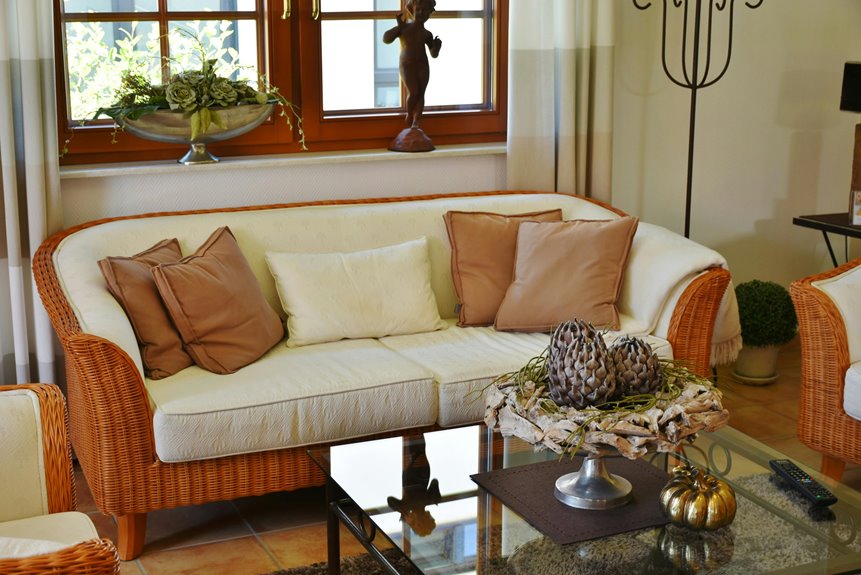
I partnered with ChatGPT through five strategic steps to organize my living room. First, I uploaded a clear photo and identified my design goals—I wanted a calm, modern retreat.
Next, I selected a Scandinavian aesthetic that matched my architectural style.
Then I prompted ChatGPT with exact dimensions and furniture measurements to generate multiple layout options with specific paint codes. I compared the rendered designs side-by-side, evaluating color palettes and traffic flow before picking my favorite.
Finally, I saved everything—hex codes, dimensions, and an action plan—in one document to guide my purchases and placements. Read on to discover exactly how each step works.
Step 1: Upload Your Room Photo and Set Your Design Goals
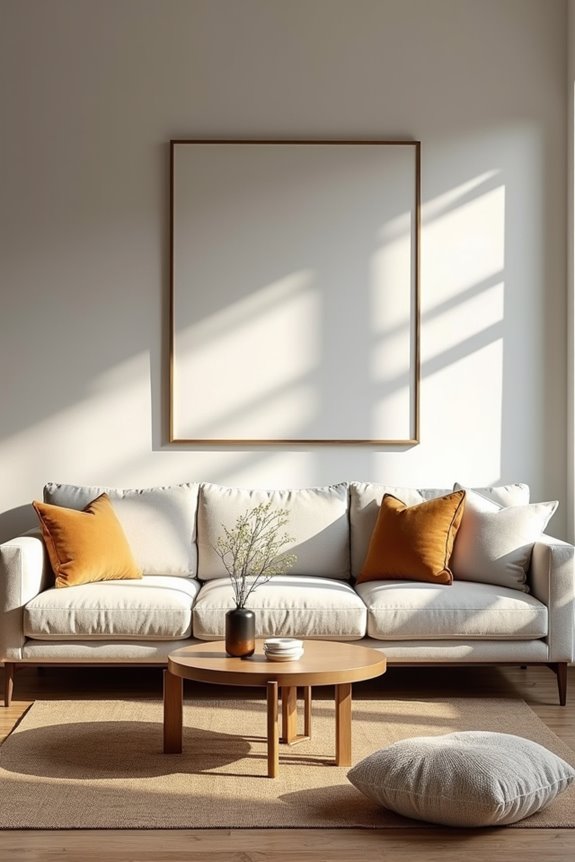
Step 1: Upload Your Room Photo and Set Your Design Goals
How’d you like to choose a navy accent wall with confidence instead of guessing?
Start by uploading a clear photo of your space. This becomes your visual foundation. Next, identify your design direction—modern, farmhouse, or minimal—whatever resonates with you. Share your design goals explicitly: are you looking for a calming retreat or an energetic gathering space?
Provide specific details: room dimensions, window placements, and existing furniture you’re keeping. Document your current color palette and lighting preferences. ChatGPT uses this information to suggest tailored changes.
Think of your photo upload as creating a mood board. You’re building a shared language with the AI, enabling iterative styling that actually fits your life. This foundation means every recommendation feels personal, not generic.
Step 2: Choose a Style and Mood That Fit Your Space
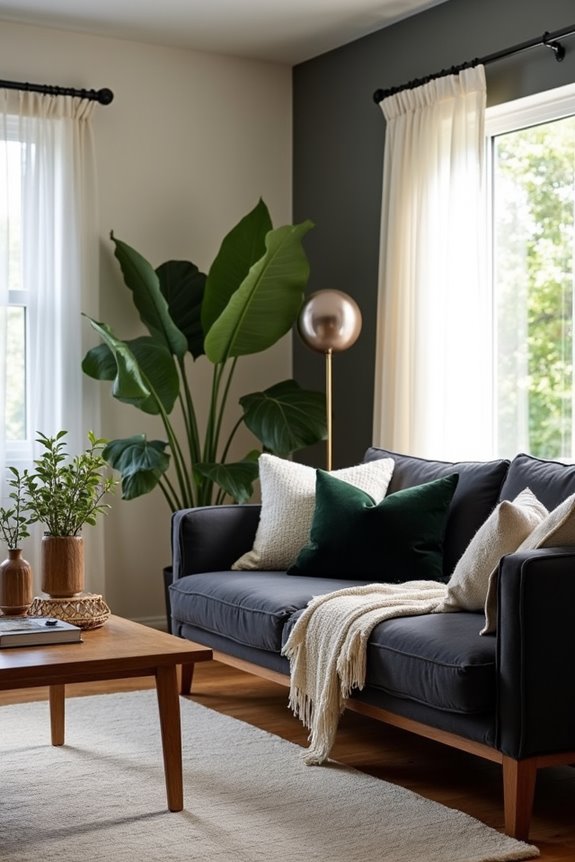
Step 2: Choose a Style and Mood That Fit Your Space
Your design style creates the foundation for every decision ahead, from furniture layout to lighting choices. Cohesion happens when your design style aligns with your room’s architectural context and existing furnishings.
Your design style is the foundation—align it with your room’s architecture and existing furnishings for true cohesion.
Start by selecting a distinct aesthetic that resonates with you:
- Modern minimalist for clean, uncluttered spaces
- Rustic farmhouse for warm, inviting atmospheres
- Scandinavian for bright, functional environments
- Industrial for bold, contemporary feels
- Traditional for classic elegance
Next, define your mood—calm, energetic, or cozy—using your room dimensions and lighting conditions. This mood influences your color palette and decor style choices. When you establish these foundations, space planning becomes intuitive, and your room becomes a cohesive sanctuary that reflects who you are.
Step 3: Prompt ChatGPT to Refine Colors, Layout, and Details
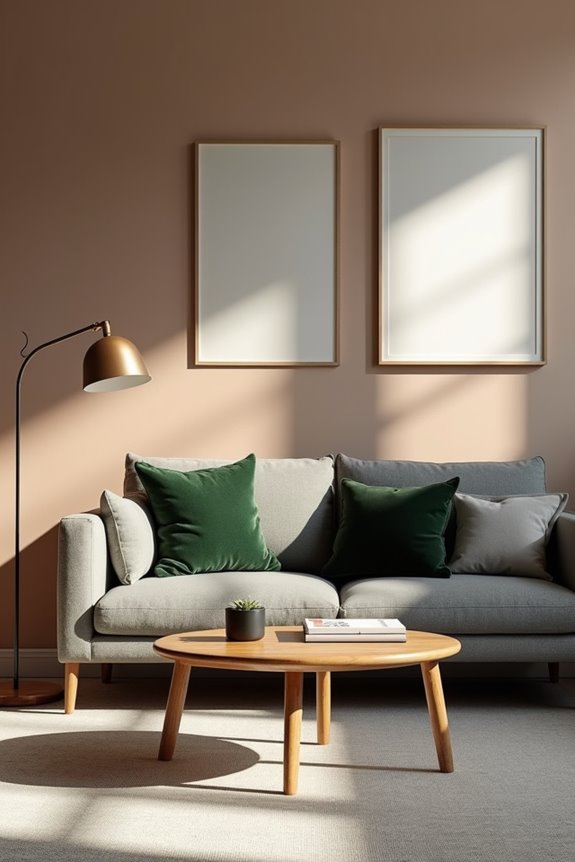
Once you’ve locked in your design style and mood from Step 2, it’s time to get specific—and that’s where ChatGPT becomes your practical tool.
I share my room dimensions and furniture measurements, then request multiple layout options emphasizing traffic flow and focal points. Next, I ask for exact paint codes and finishes—eggshell versus matte—making sure my color palette feels cohesive across walls, trim, and built-ins.
I prompt ChatGPT about lighting temperature and material textures, confirming everything aligns. Testing how colors interact with natural light at different times refines my choices further.
Finally, I request a step-by-step implementation checklist covering material acquisition and sample placement. This systematic approach converts vague ideas into actionable decisions I can confidently execute.
Step 4: Compare Multiple Design Options and Pick Your Favorite
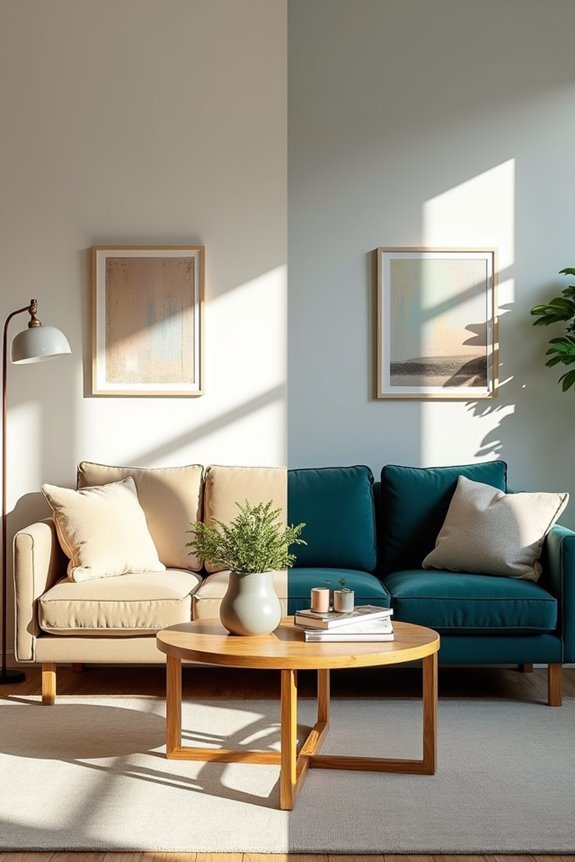
Now that you’ve refined your colors, layout, and specific details with ChatGPT’s help, you’ll have several solid design directions to evaluate. I find it helpful to lay out rendered comparisons side-by-side to see what resonates with you.
Lay out rendered comparisons side-by-side to see which design direction truly resonates with you.
When comparing your options, examine:
- Color palettes and overall mood each creates
- Furniture layouts and spatial arrangement possibilities
- Lighting plans that affect scale and proportion
- Materials and finishes reflecting your style
- Budget considerations across all rendered comparisons
Pick the option that best balances your priorities—whether you’re drawn to warmth or modern minimalism. Notice which mood boards appeal to you most. Your favorite design should feel natural, not forced. Once selected, outline any final adjustments before moving forward with implementation.
Step 5: Save Your Design and Plan Your Next Steps

Your carefully crafted design deserves to live somewhere beyond your ChatGPT conversation—and I’ve learned the hard way that screenshots alone don’t cut it when you’re ready to actually buy furniture three months later.
I save everything: layouts, color palettes, furniture placements, and lighting choices in a dedicated document. This guarantees project continuity across devices and future sessions.
Next, I create a shareable summary or mood board—images, hex codes, dimensions—that communicates my vision clearly to contractors and partners.
Then comes the action list. I organize it by task: what to buy, where to place items, sourcing materials, and realistic timelines. Breaking the plan into manageable steps moves my design from concept to execution.
This preparation phase keeps me focused and prevents costly mistakes.